The Edit Addon Category feature in GrubPOS allows users to update existing addon category details.
How to Edit an Addon Category
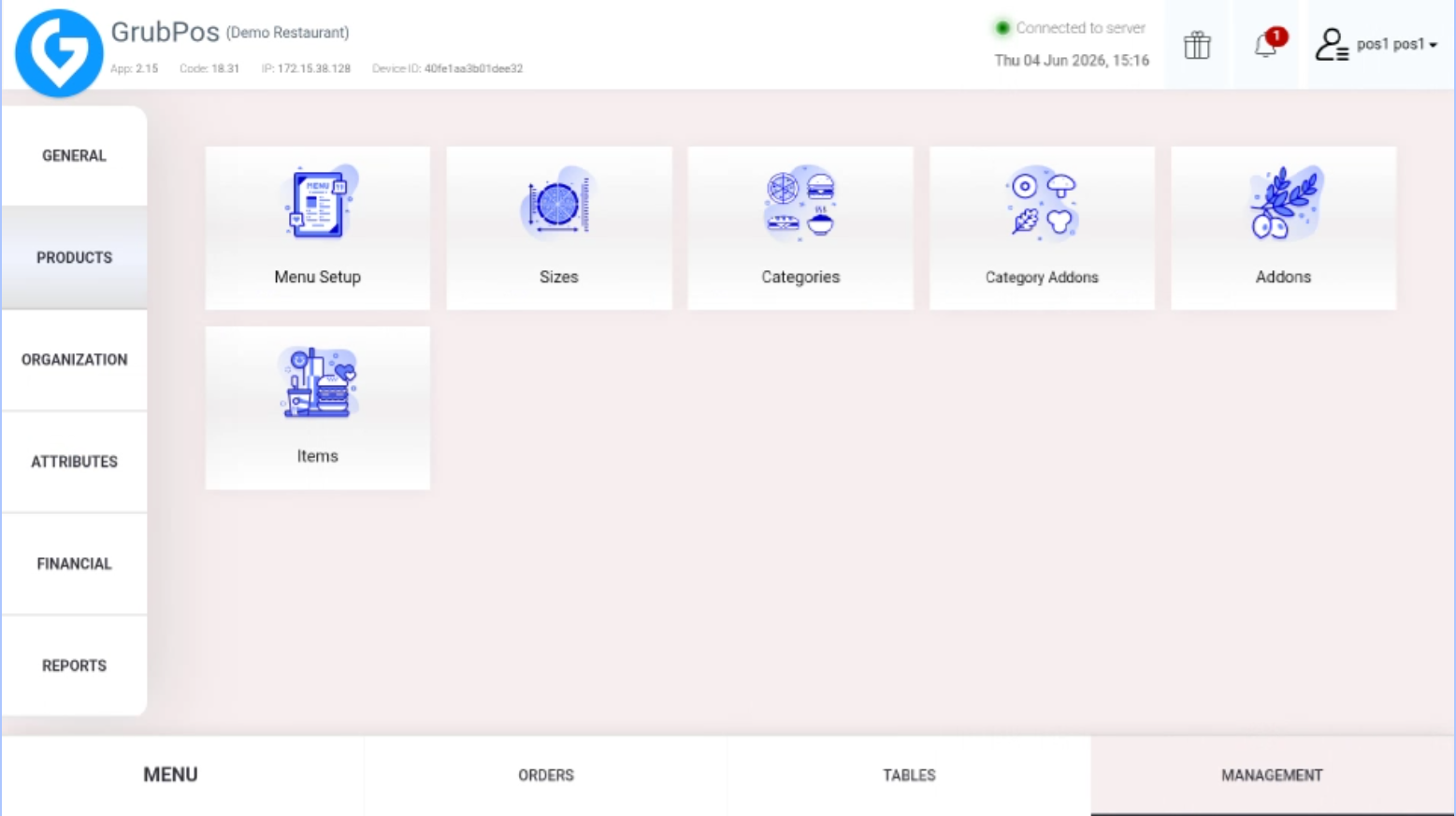
- Go to Management > Products > Category Addons
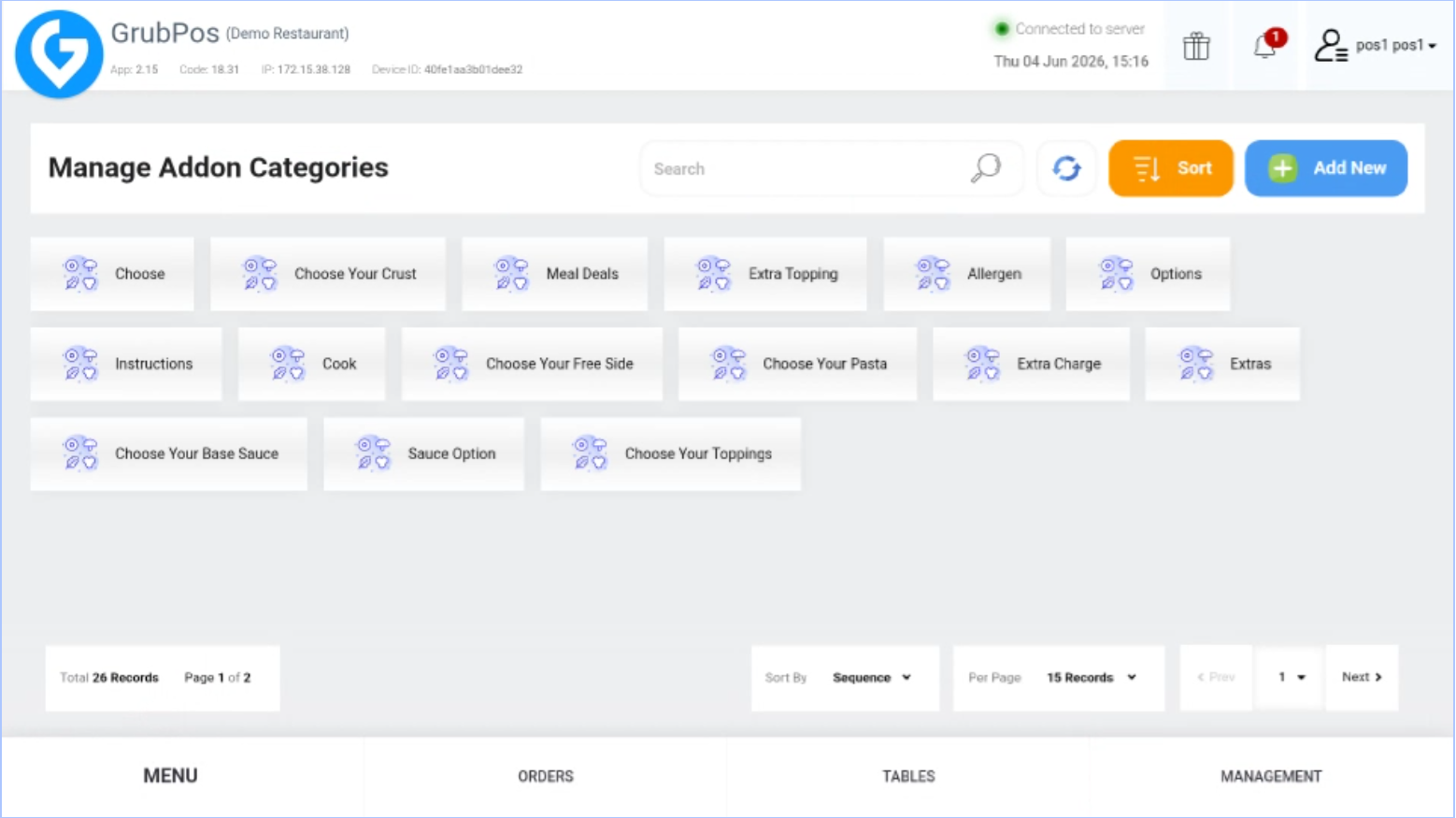
- Select the addon category you want to edit
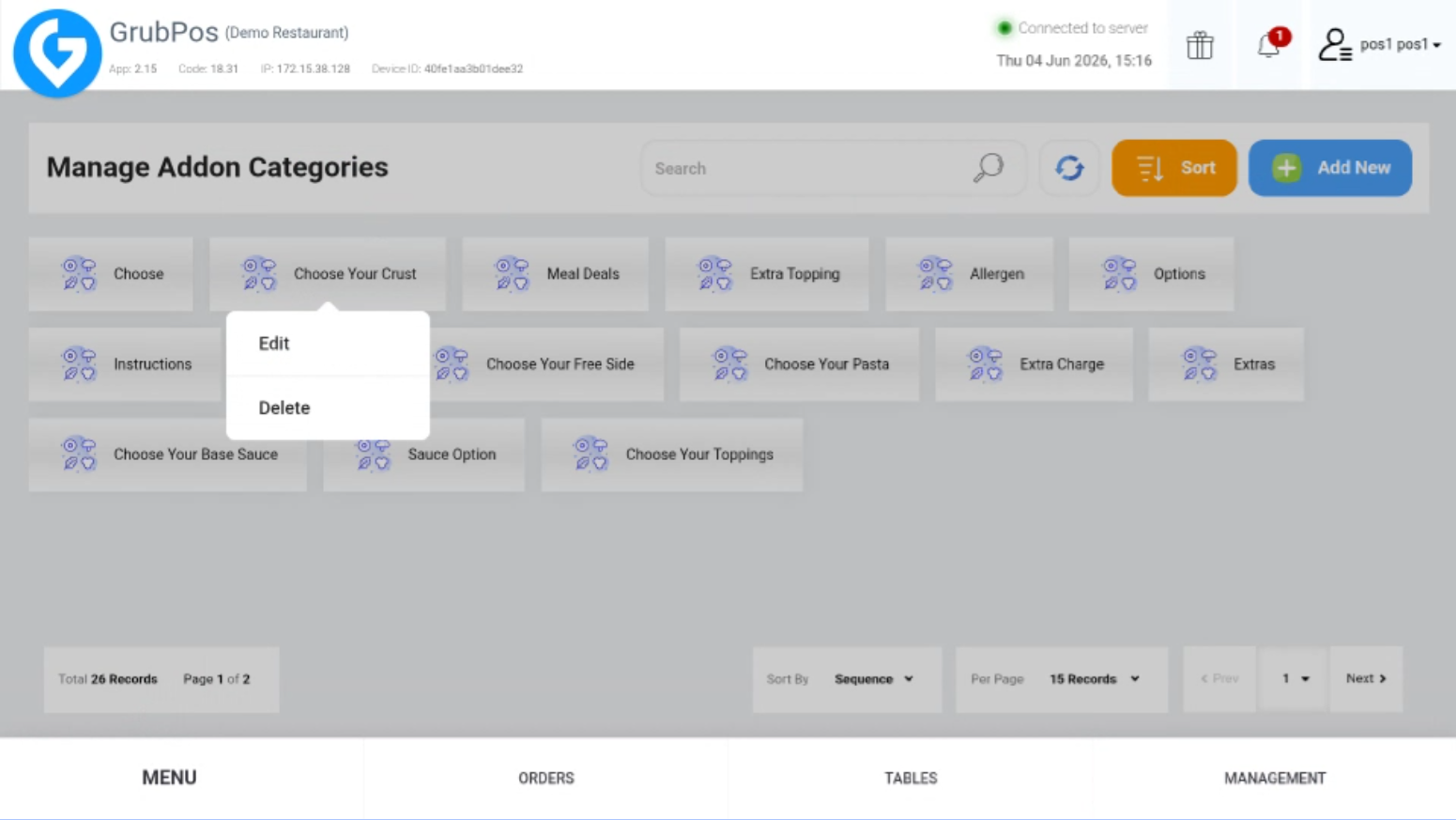
- Click Edit
- Update the information you want to change
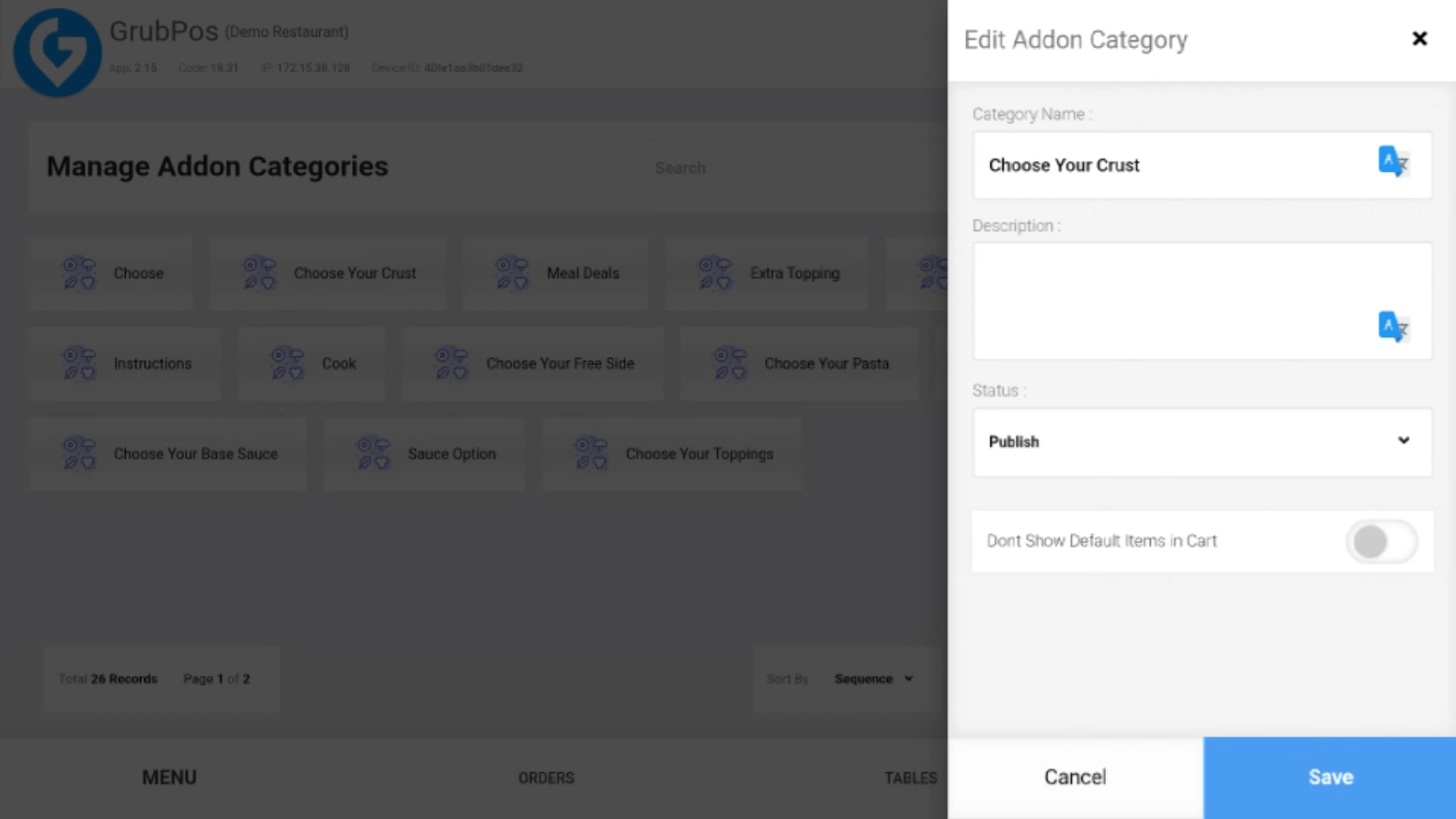
- Click Save to apply the changes
Was this article helpful?
That’s Great!
Thank you for your feedback
Sorry! We couldn't be helpful
Thank you for your feedback
Feedback sent
We appreciate your effort and will try to fix the article