The Average Order Report feature in GrubPOS allows users to analyze average order values based on payment methods, delivery platforms, and order types.
How to View the Average Order Report
- Go to Management > Reports > Top Report
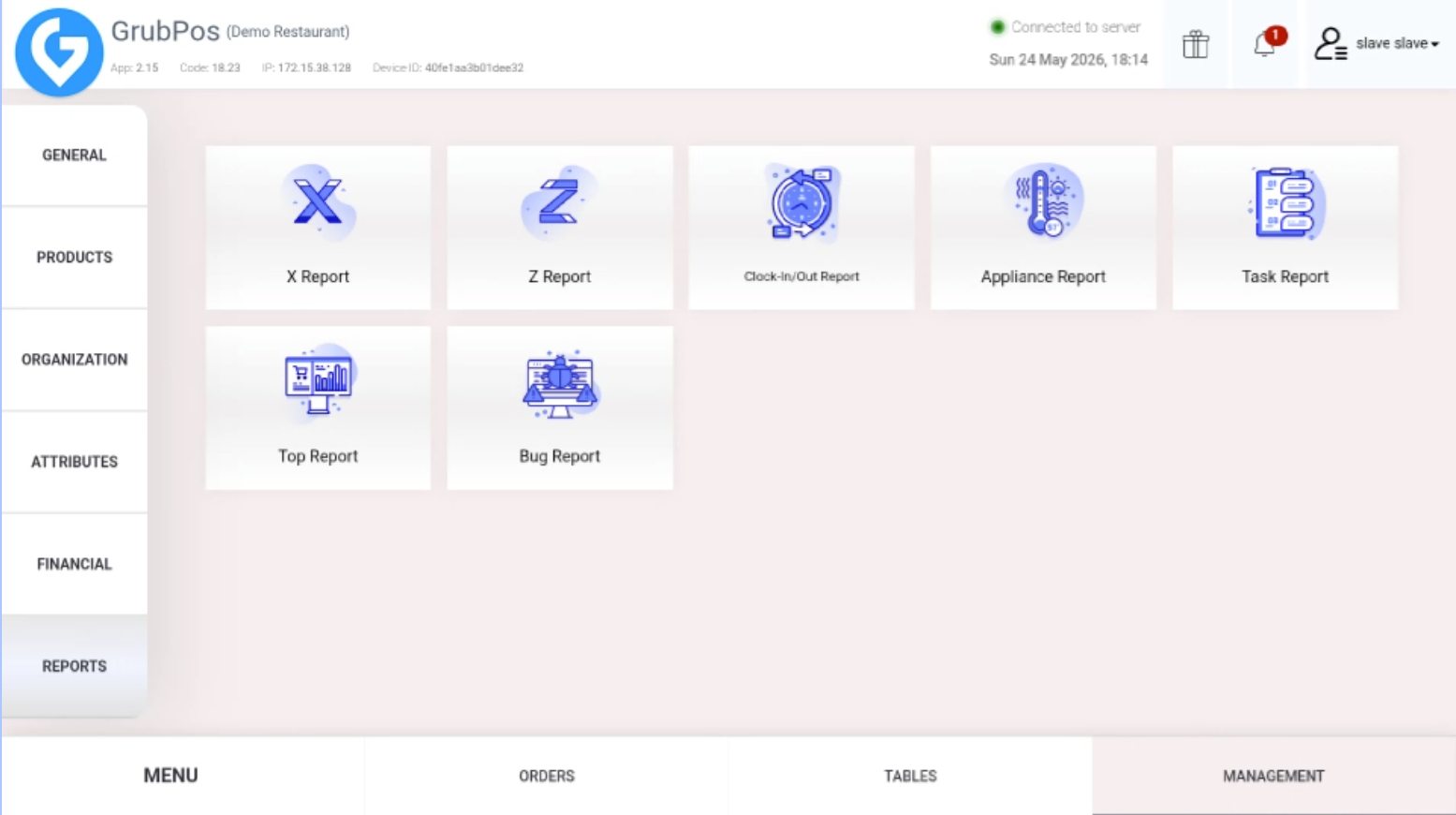
- Select "Order" on the left side of the screen
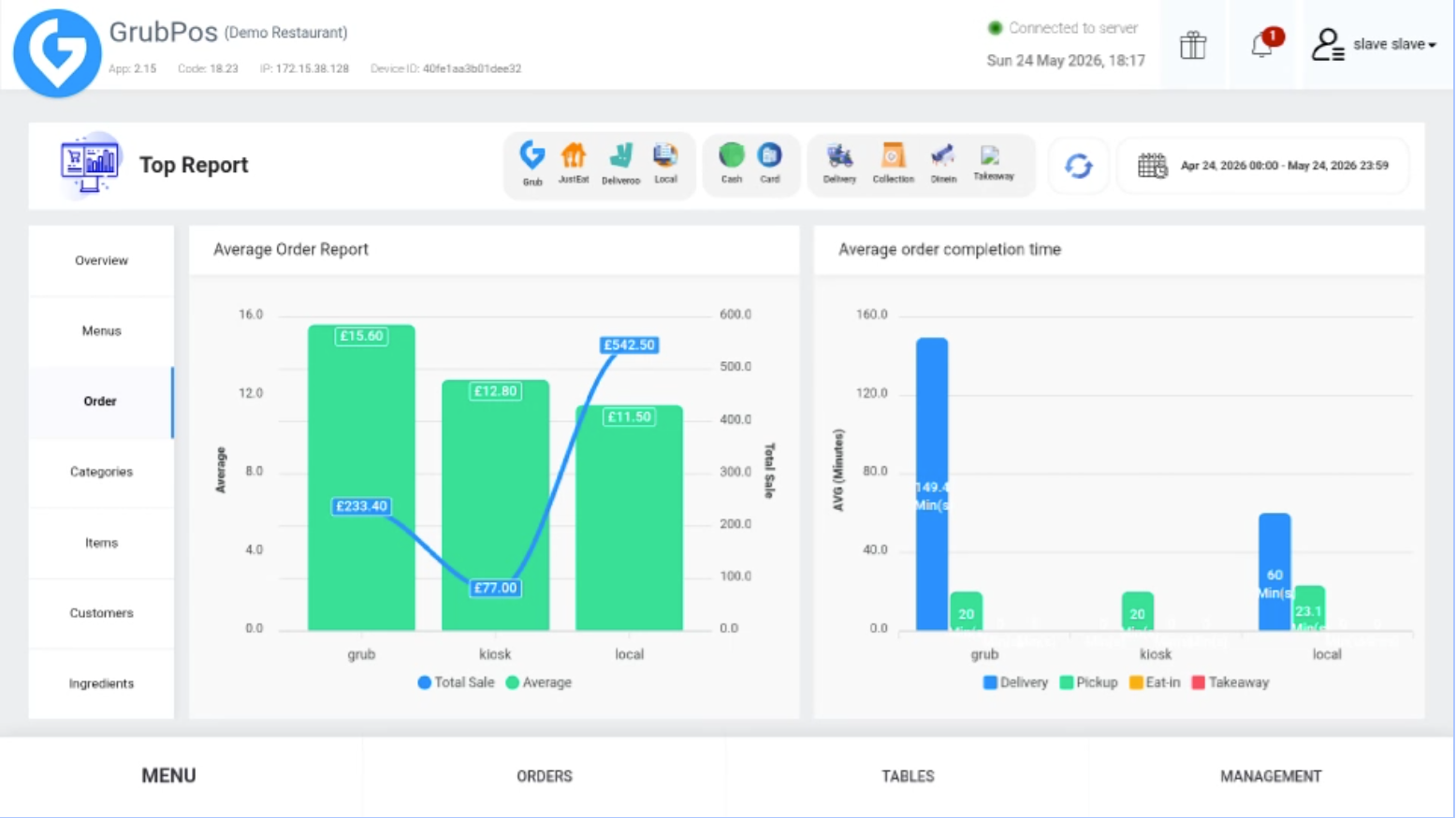
- At the top of the screen, select the icons or filters you want to use for the report
Available Filters
You can filter the report by:
- Delivery platforms
- Payment methods (Cash/Card)
- Order modes: Delivery, Collection, Dine-In, Takeaway
Additional Options
- You can select one or multiple filters depending on the data you want to view.
- You can also choose a desired date or custom date range for the report.
Was this article helpful?
That’s Great!
Thank you for your feedback
Sorry! We couldn't be helpful
Thank you for your feedback
Feedback sent
We appreciate your effort and will try to fix the article