The Booking feature in GrubPOS allows users to view and manage customer table reservations.
Steps to View Bookings
- Go to Tables
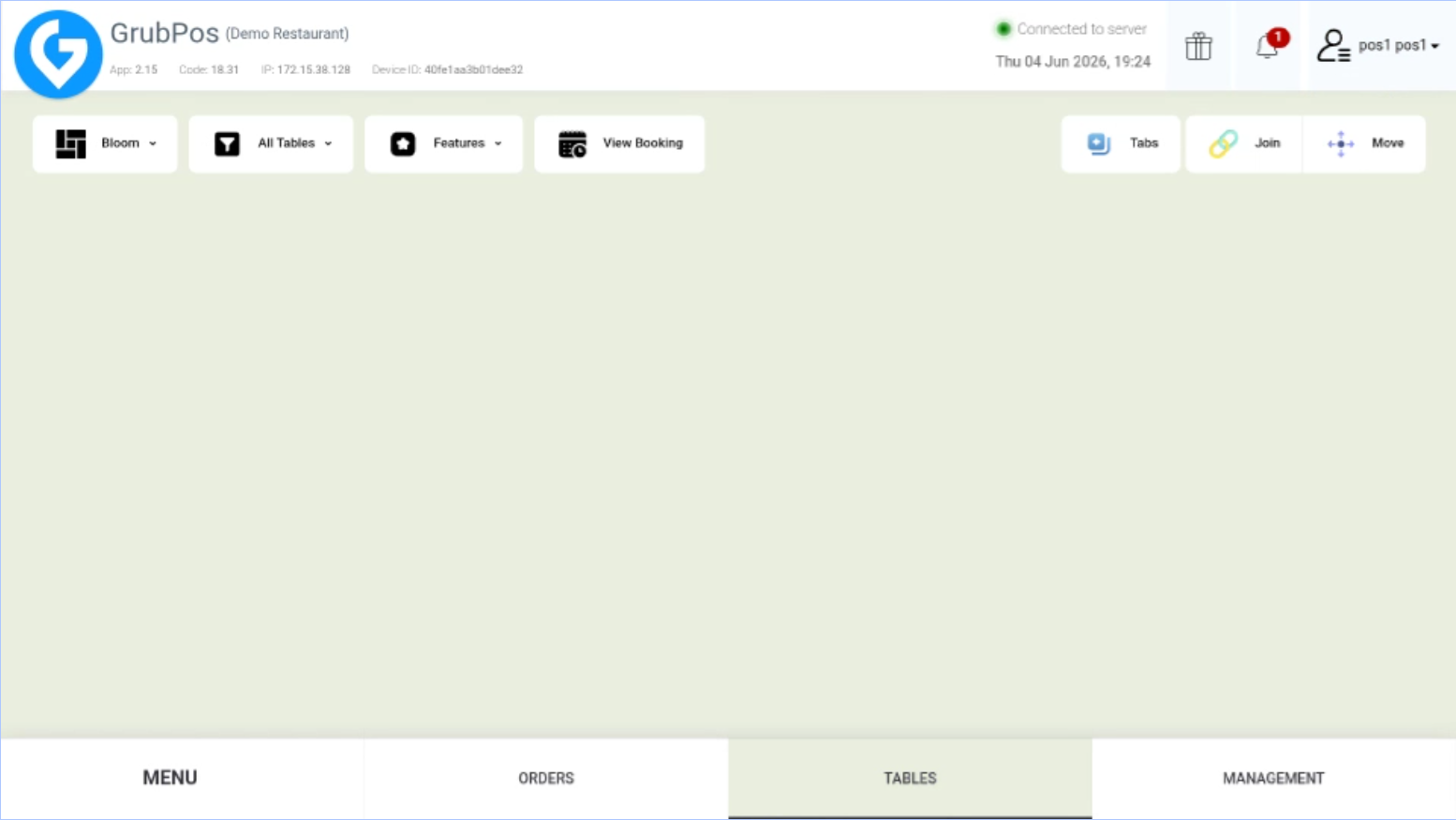
- Click View Booking
Was this article helpful?
That’s Great!
Thank you for your feedback
Sorry! We couldn't be helpful
Thank you for your feedback
Feedback sent
We appreciate your effort and will try to fix the article