The Top Report feature in GrubPOS allows users to view the restaurant’s best-selling items based on sales performance and quantity sold.
How to View Popular Items
- Go to Management > Reports > Top Report
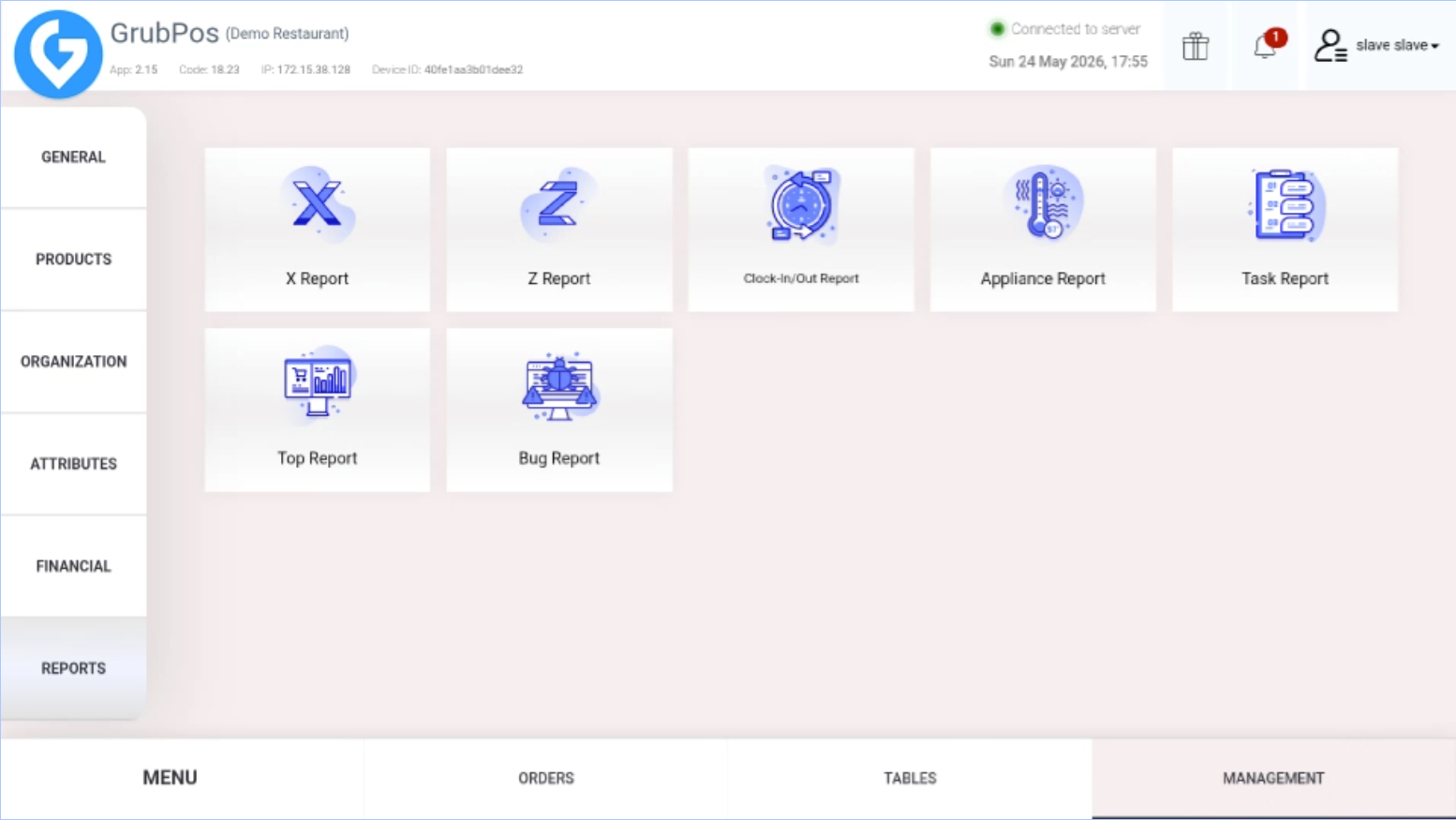
- Select "Items" on the left side of the screen
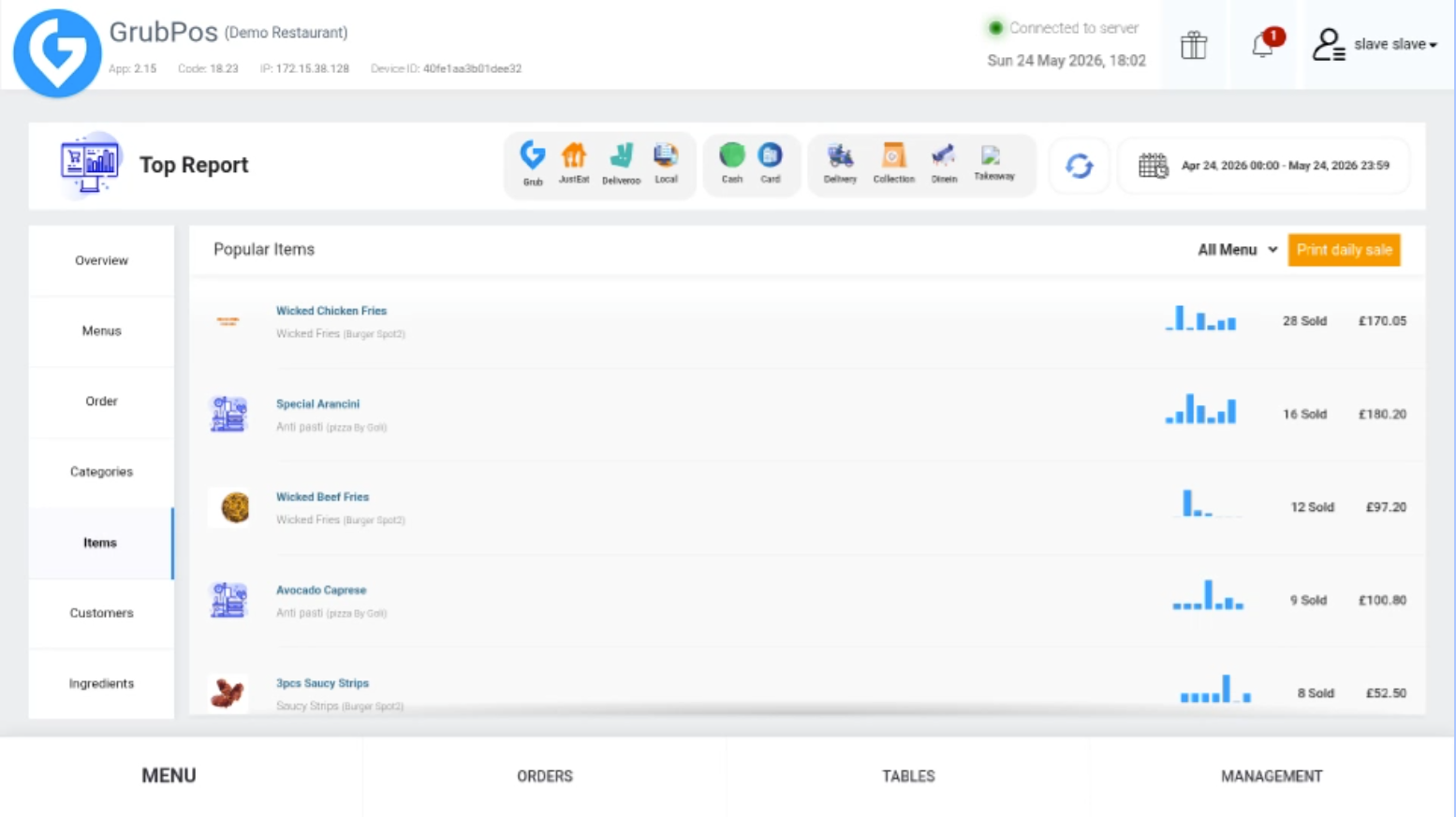
- The system will display a list of popular items, including:
- Number of items sold
- Total sales amount
Additional Features
- You can customize the date range to view top-selling items for a specific period, such as last month.
- You can also print the daily sales report directly from the screen.
Was this article helpful?
That’s Great!
Thank you for your feedback
Sorry! We couldn't be helpful
Thank you for your feedback
Feedback sent
We appreciate your effort and will try to fix the article