The Basket tab is used to review and adjust the products selected for the order. Selecting an item exposes actions supported by the system, including: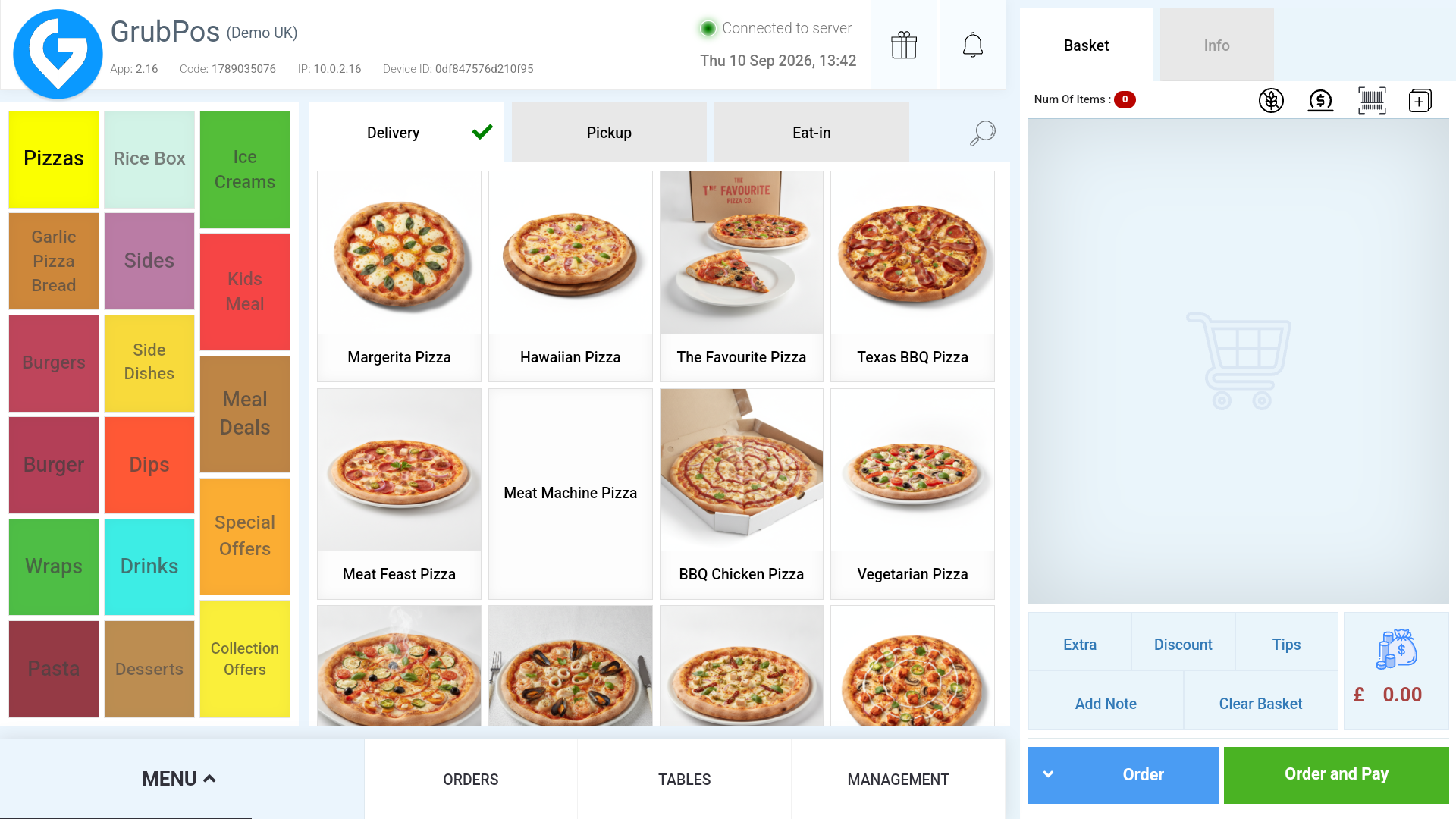
- Delete or edit the item.
- Duplicate the item.
- Make the item free.
- Halve the item price.
- Add an item note.
- Assign a course type such as Starter, Main Course, Dessert, or Drinks.
Add Extra
Use Add Extra to add a custom item with a custom price. You can also assign the custom item to a category.
Discount
Discounts can be applied to the whole basket or to specific products. Configure the discount as a fixed amount or percentage, enter the discount value, and optionally limit it to selected categories or products.
Notes
Use Notes to add predefined notes to the customer order.
Allergens
The Allergens option can filter products based on selected allergens such as Dairy, Sesame, Celery, Eggs, or Mustard. Items containing a selected allergen are disabled from selection.
Order vs. Order & Pay
- Order saves and places the order without taking payment. It can then be managed from the Orders tab.
- Order & Pay proceeds to checkout. The order is finalised after it is accepted during the checkout process.
Was this article helpful?
That’s Great!
Thank you for your feedback
Sorry! We couldn't be helpful
Thank you for your feedback
Feedback sent
We appreciate your effort and will try to fix the article