Before you begin: Some management and system settings may require an authorised PIN or appropriate user permissions. After changing certain system settings, restart the GrubPOS app where instructed so the new configuration is applied.
Main GrubPOS Sections
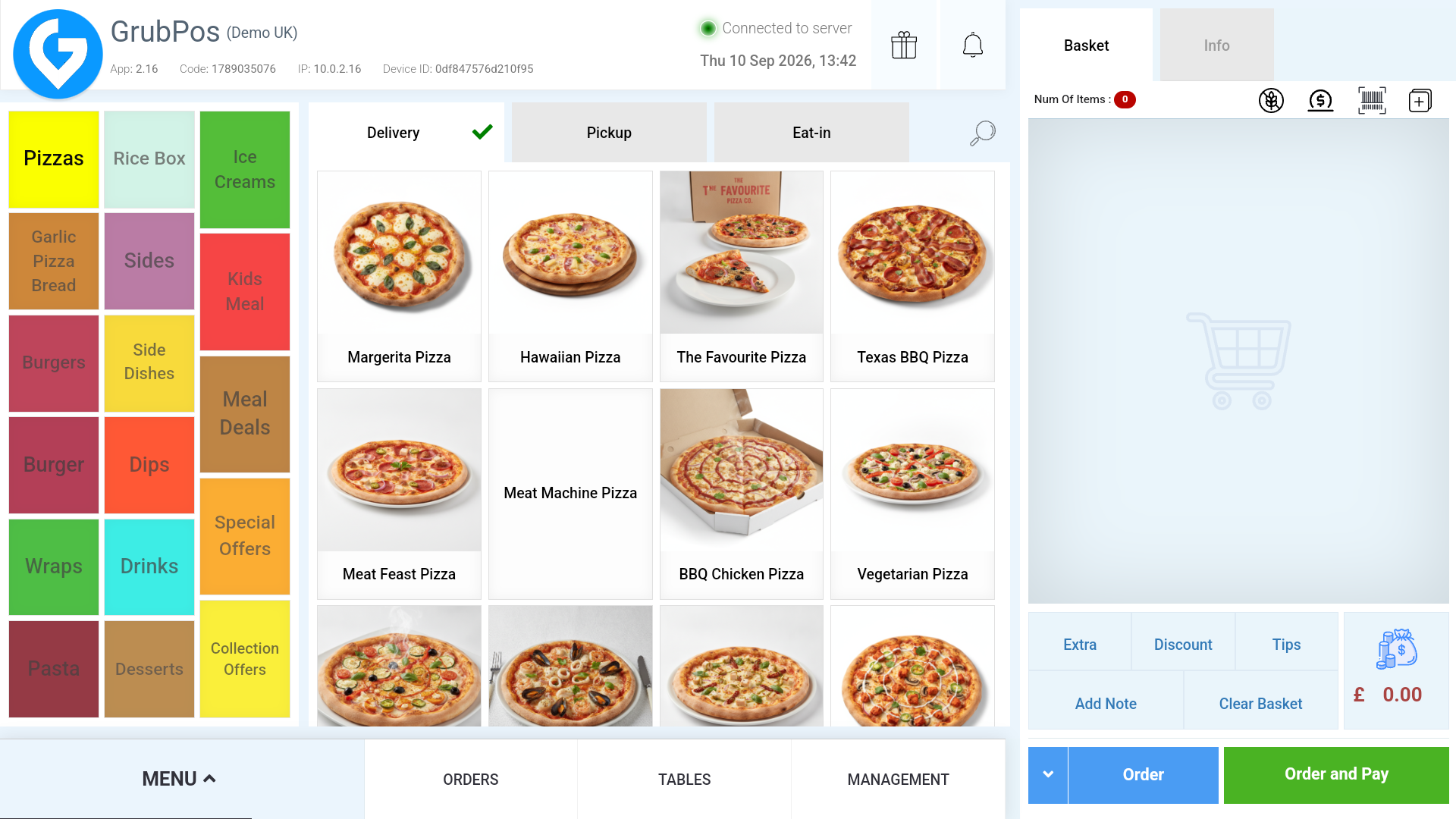
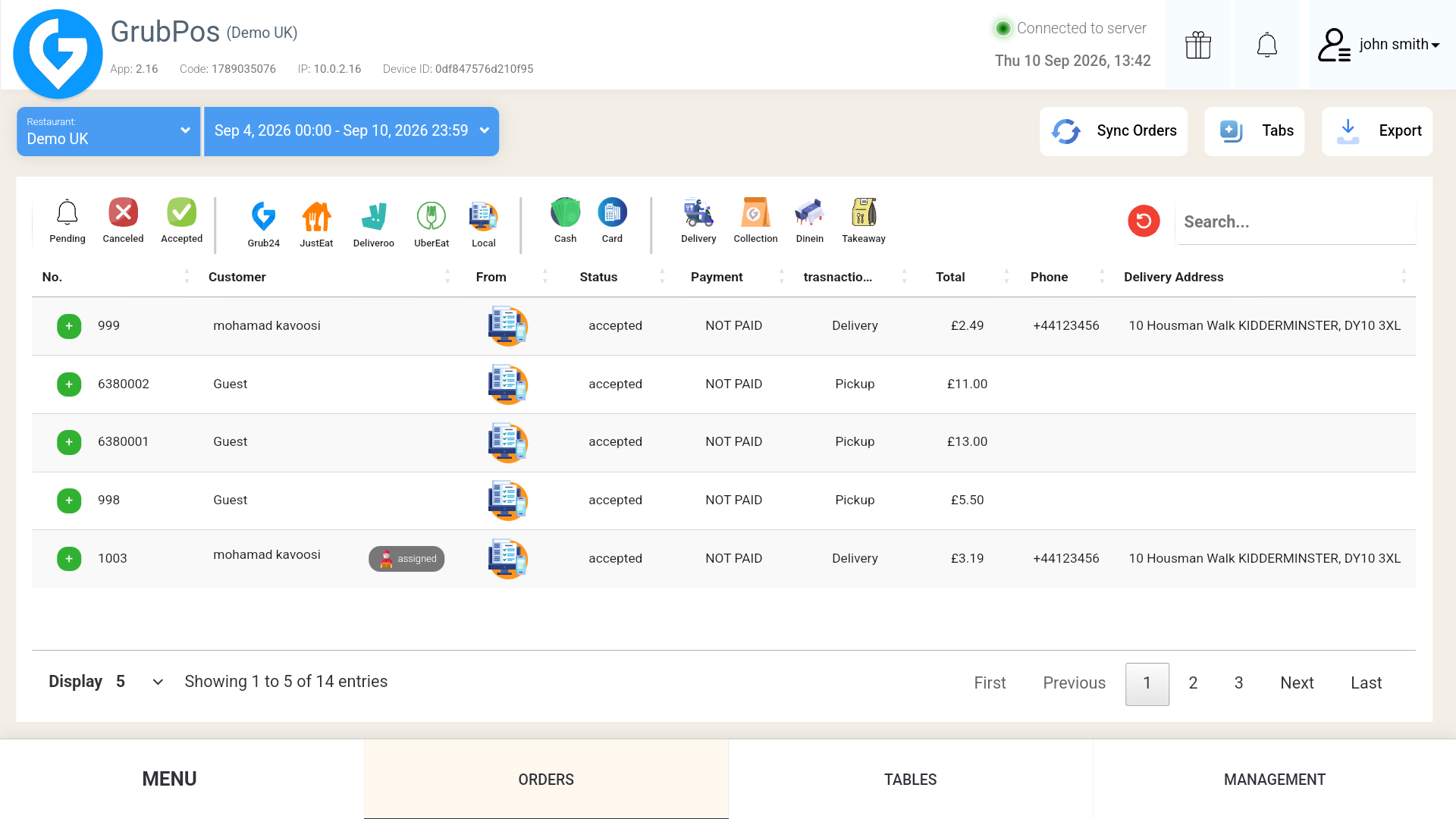
GrubPOS is organised around four primary areas used during restaurant operations:
- Menu — take new customer orders and build the basket.
- Orders — view and manage local, online, and third-party orders.
- Tables
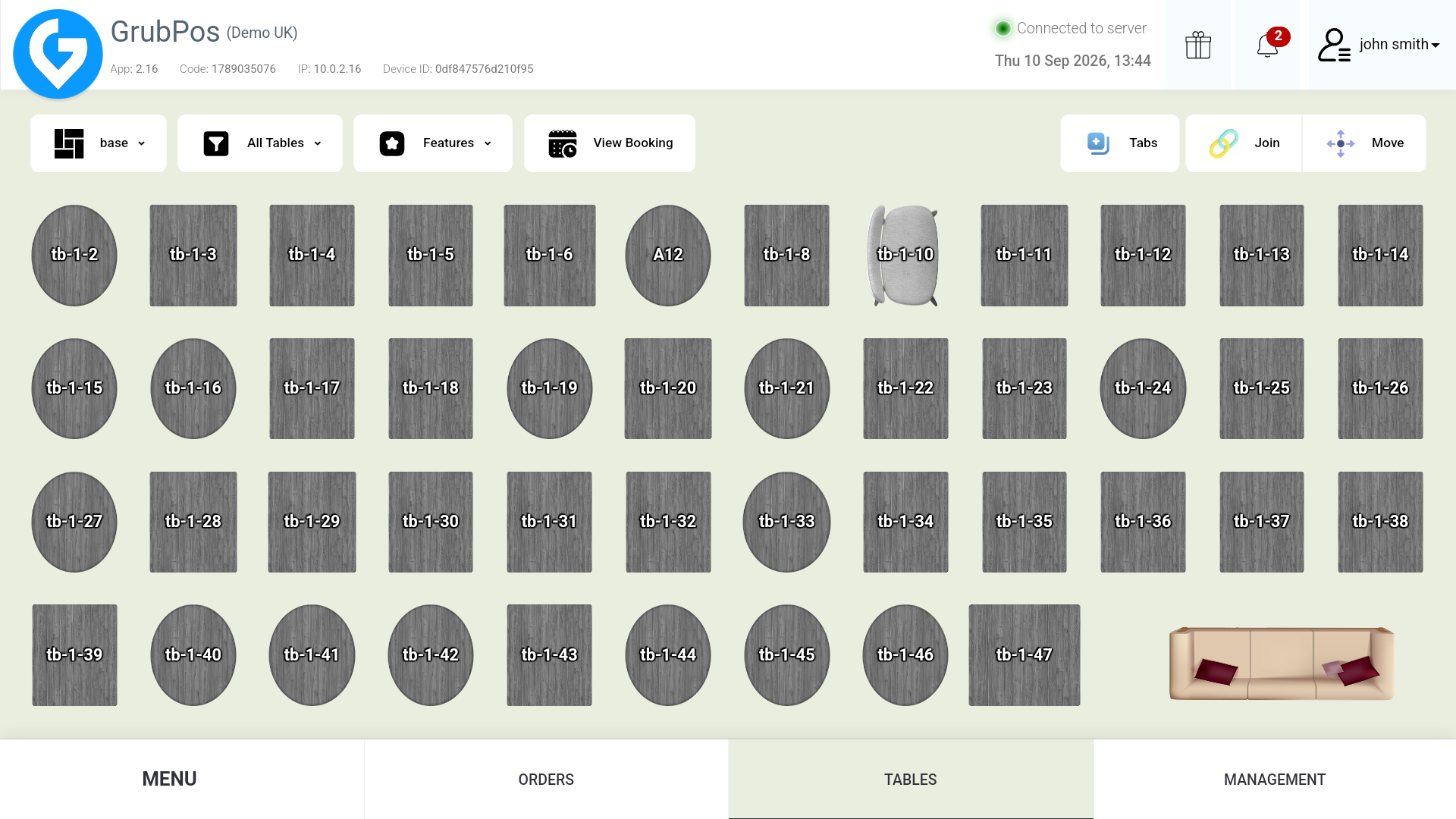 — view dining floors and table status, and manage eat-in orders.
 - Management — configure the system, products, staff-related settings, attributes, financial options, and reports.
The Grub icon opens the side menu, where available options can include the current user profile, System Settings, Tablet Mode, language selection, and bug reporting. The interface also provides access to feature/update information and system notifications.

Was this article helpful?
That’s Great!
Thank you for your feedback
Sorry! We couldn't be helpful
Thank you for your feedback
Feedback sent
We appreciate your effort and will try to fix the article