How to Add a Payment Method in GrubPOS
- Go to Management > Financial > Payment Methods
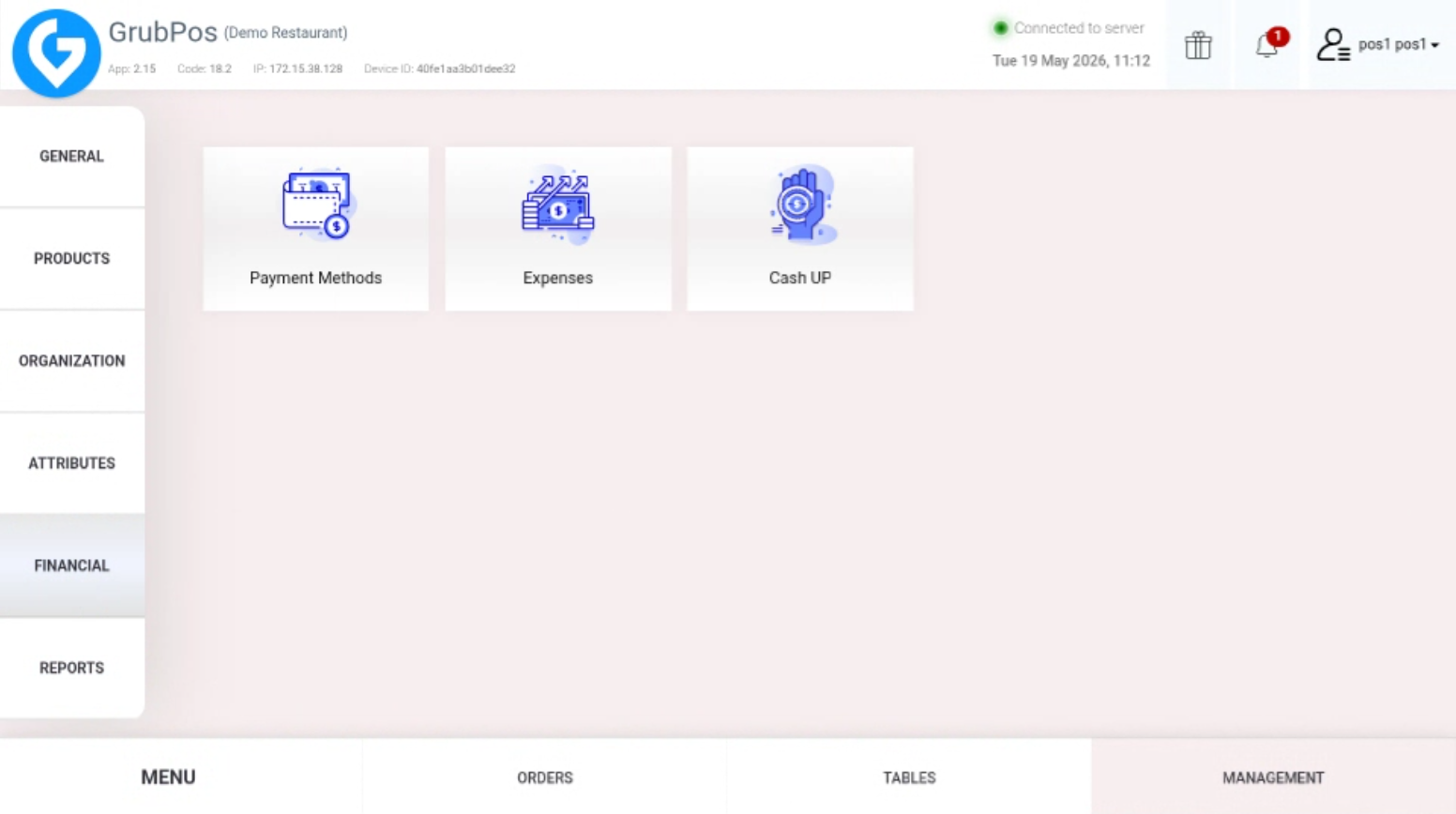 This section allows you to manage all available payment options in the system.
 - Click New Payment Method in the upper-right corner
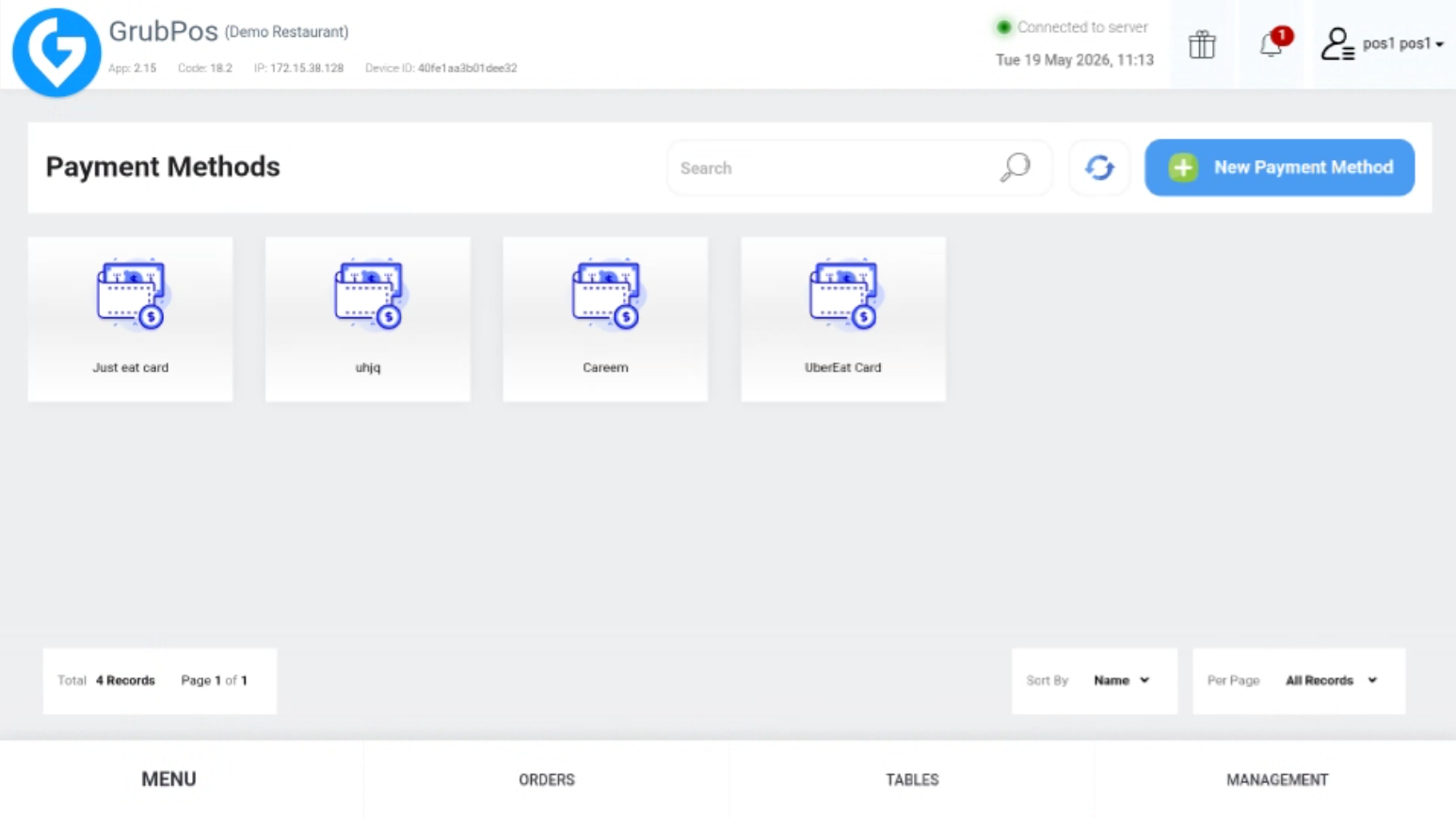 This will open the form for creating a new payment method.
 - Fill in the required details such as Title, Type (Card or Cash), and Source
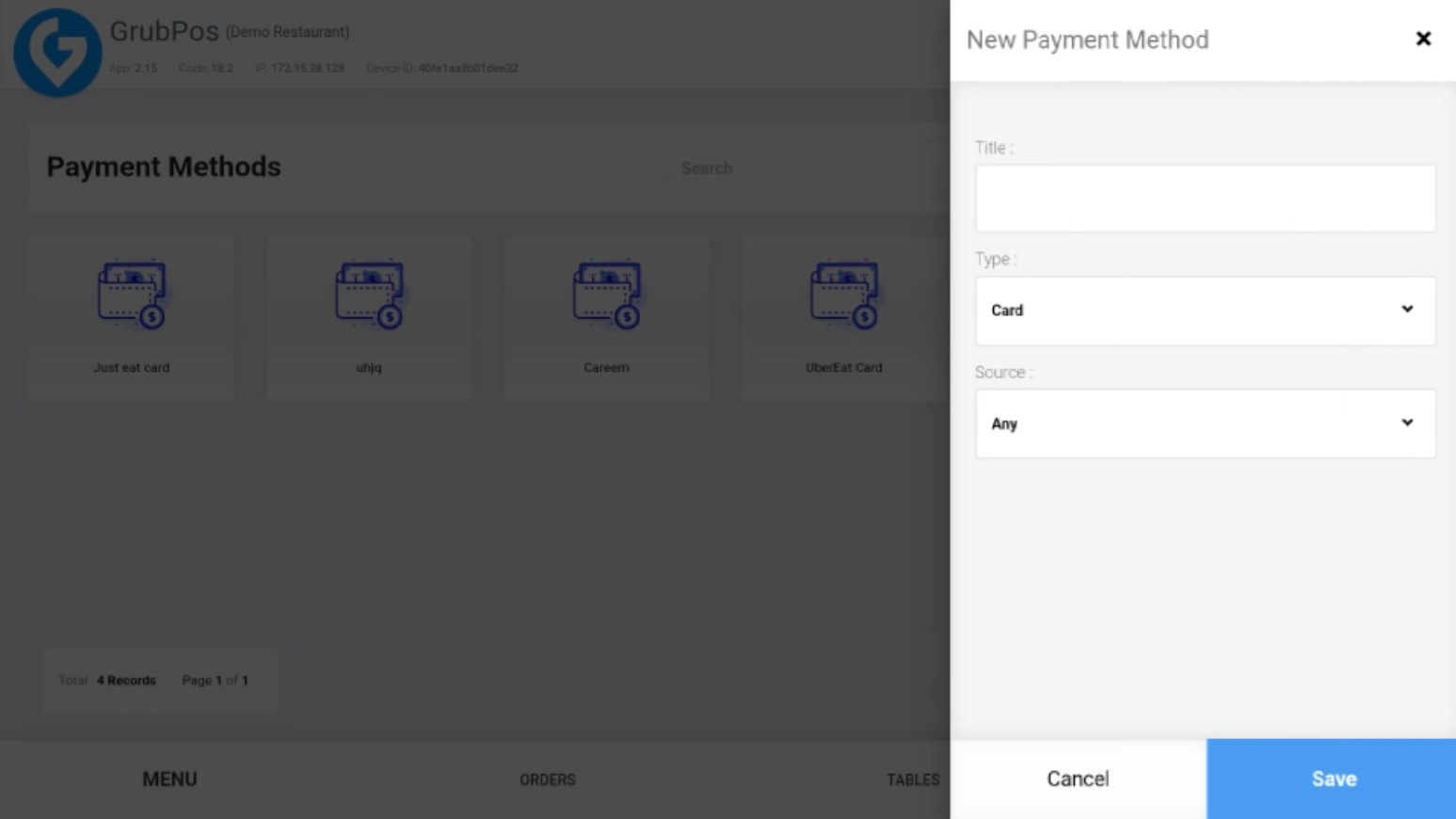 Make sure all information is correct before saving the payment method.
Was this article helpful?
That’s Great!
Thank you for your feedback
Sorry! We couldn't be helpful
Thank you for your feedback
Feedback sent
We appreciate your effort and will try to fix the article