The Delivery Charge Rates feature in GrubPOS allows users to set delivery fees based on distance ranges. This helps businesses apply accurate delivery charges depending on how far the customer is located.
How to Add Delivery Charge Rates
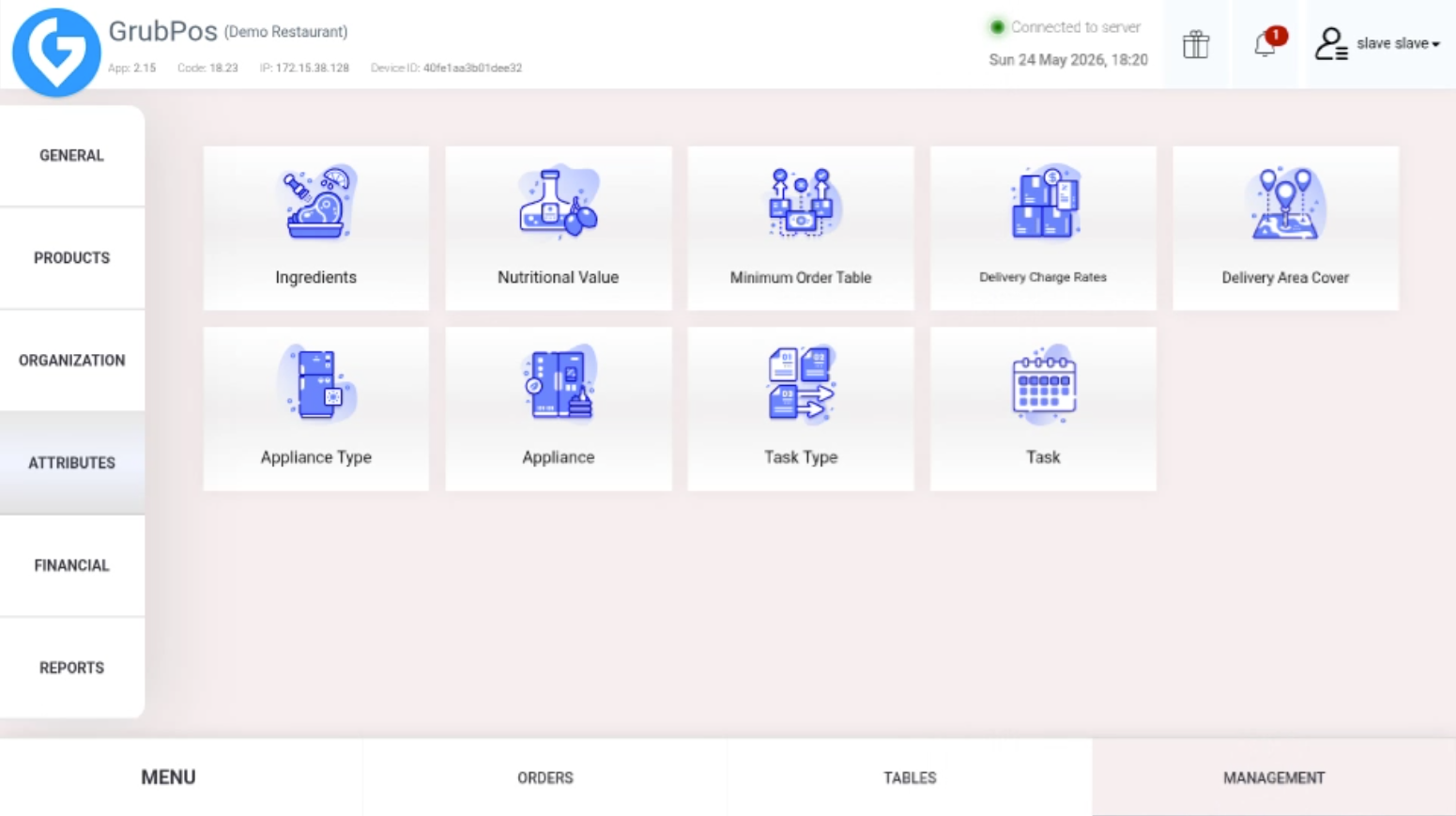
- Go to Management > Attributes > Delivery Charge Rates
- Click Add New
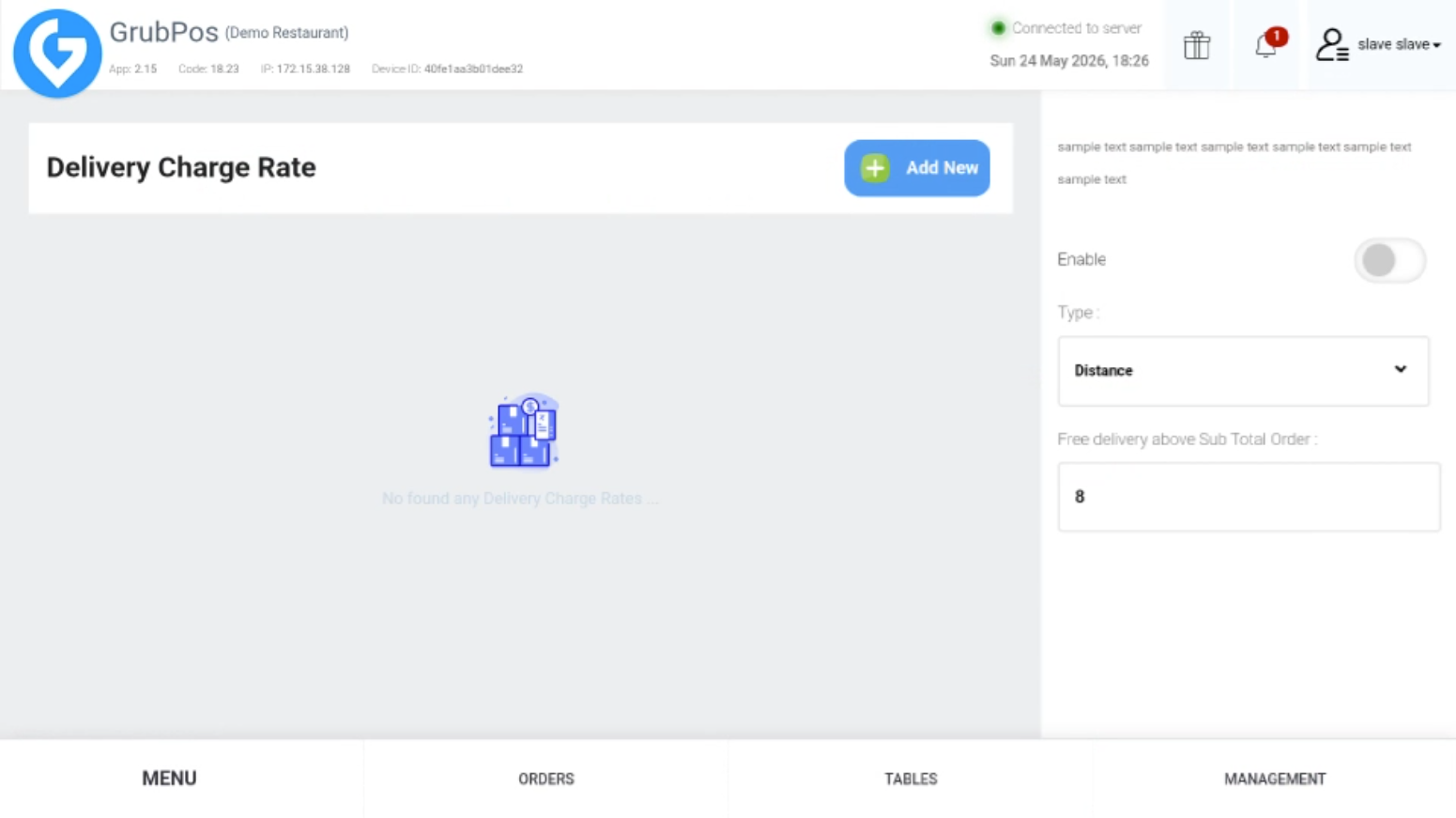
- Fill in the required details, including:
- Distance From
- Distance To
- Units (Miles/Kilometers)
- Delivery Charge
Additional Features
- You can edit existing delivery charge rates anytime.
- You can also delete previous delivery charge rates if they are no longer needed.
Was this article helpful?
That’s Great!
Thank you for your feedback
Sorry! We couldn't be helpful
Thank you for your feedback
Feedback sent
We appreciate your effort and will try to fix the article