The Open Cash Drawer feature in GrubPOS allows the cash drawer to automatically open after each order is completed.
Steps to Enable
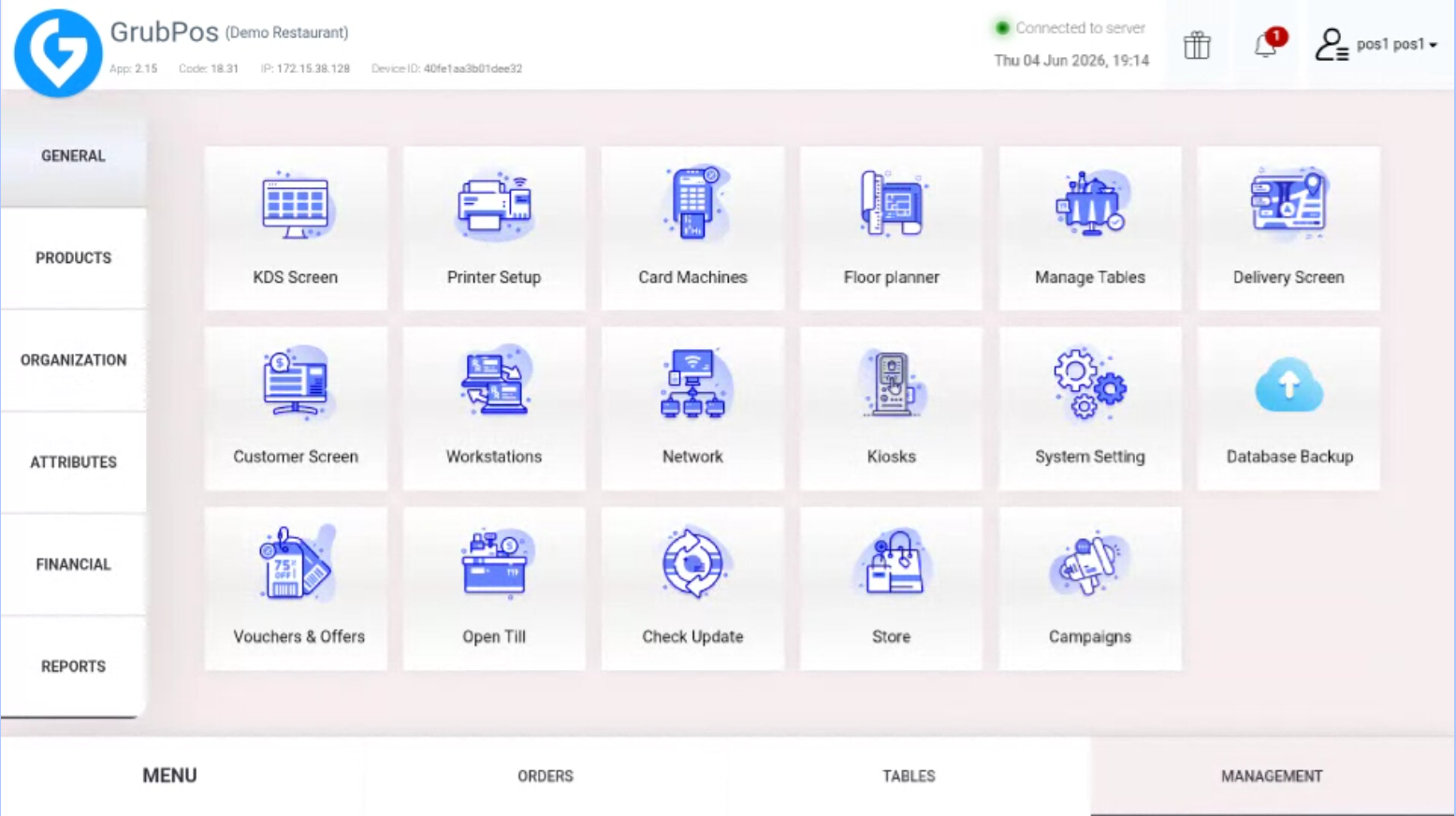
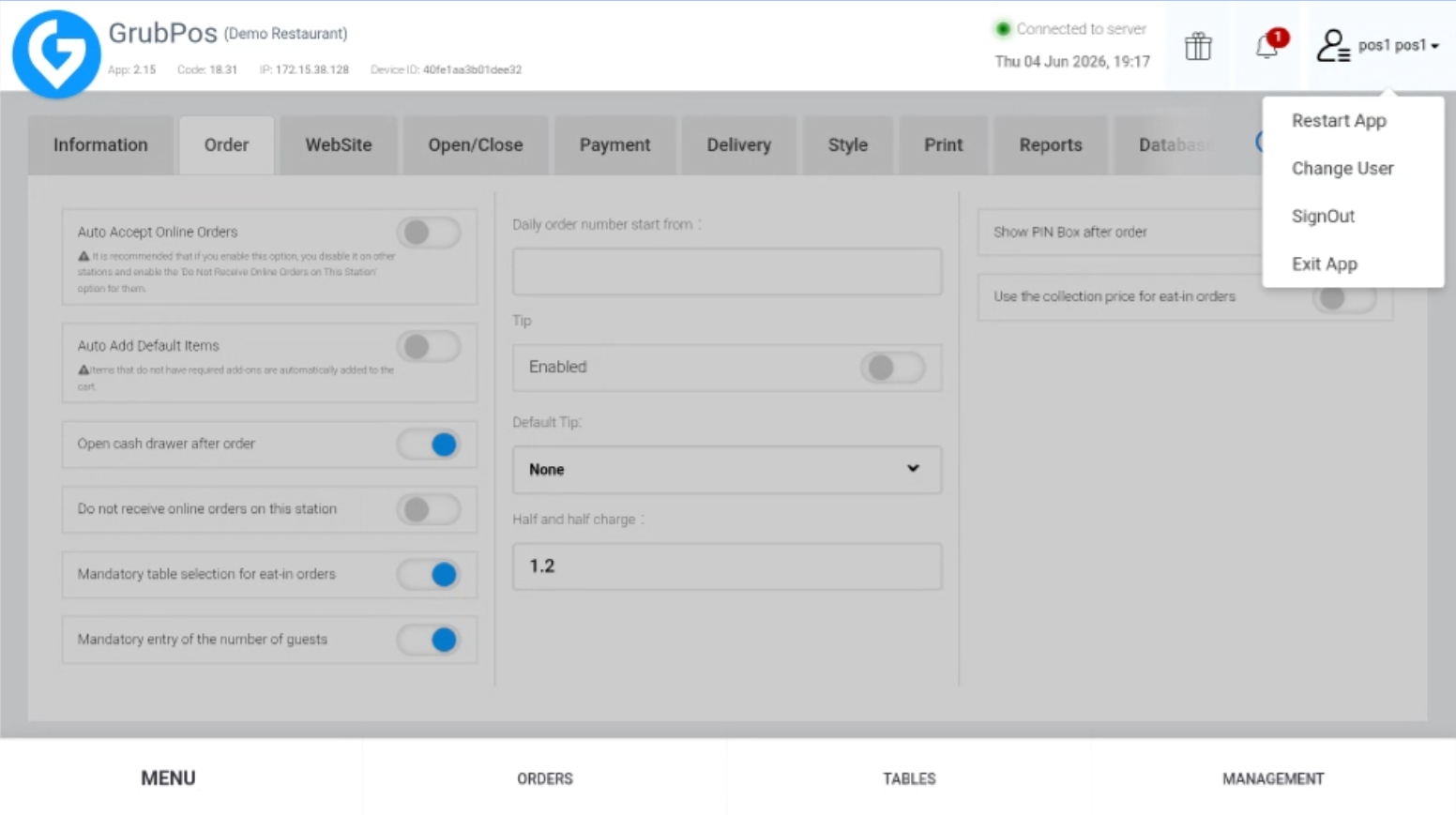
- Go to Management > General > System Setting
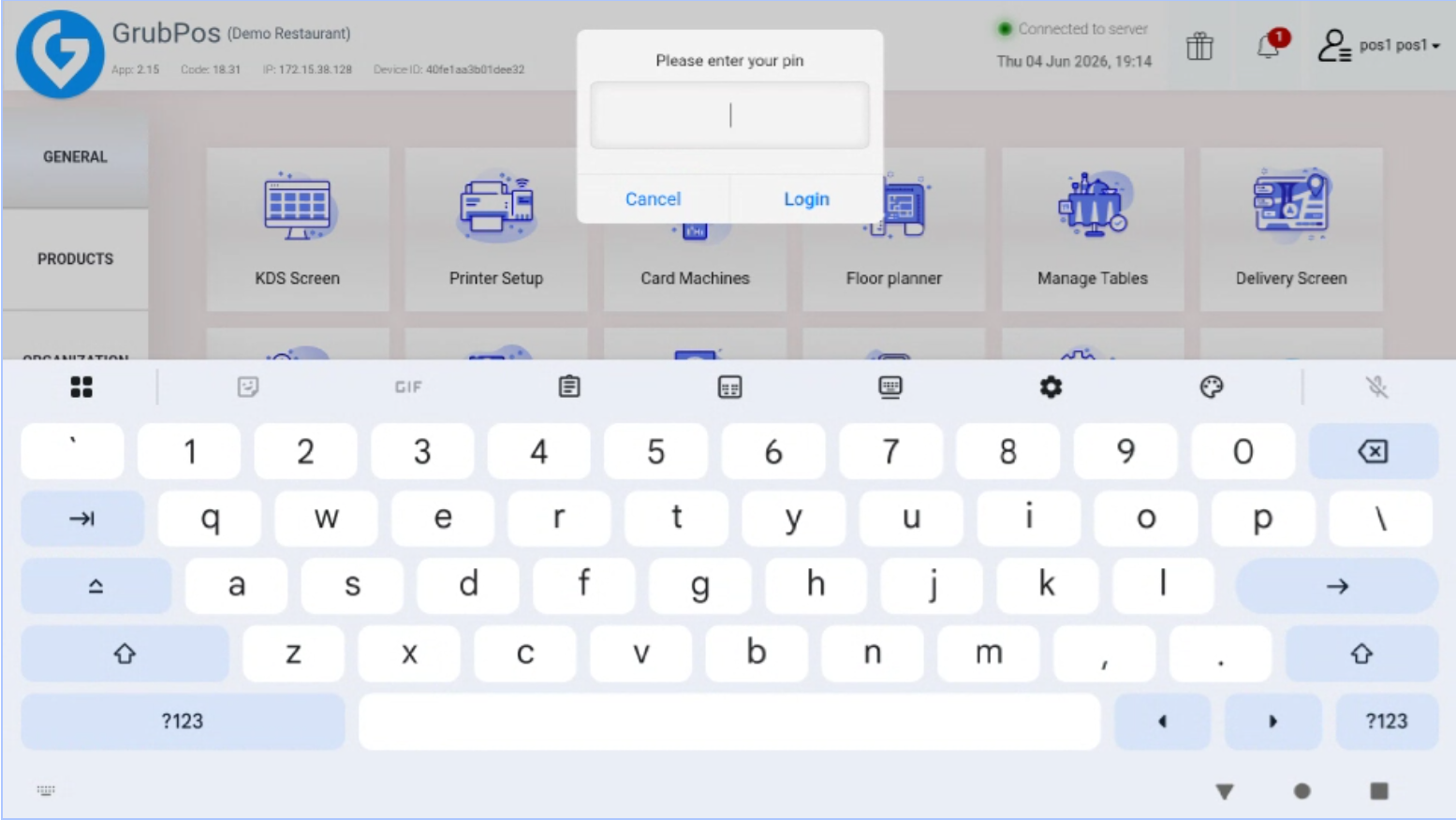
- Enter your PIN
- Go to the Order tab
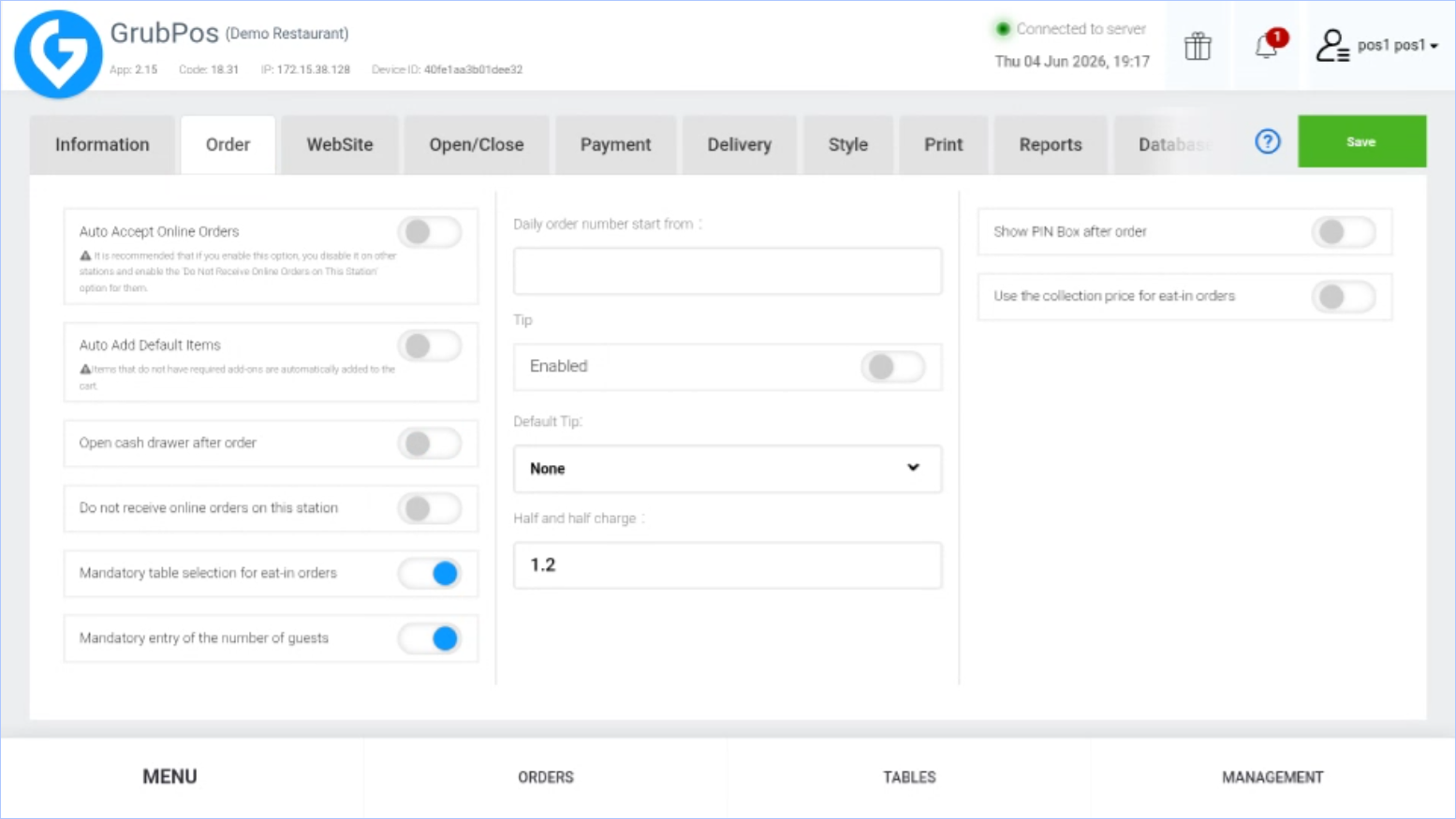
- Enable "Open cash drawer after order"
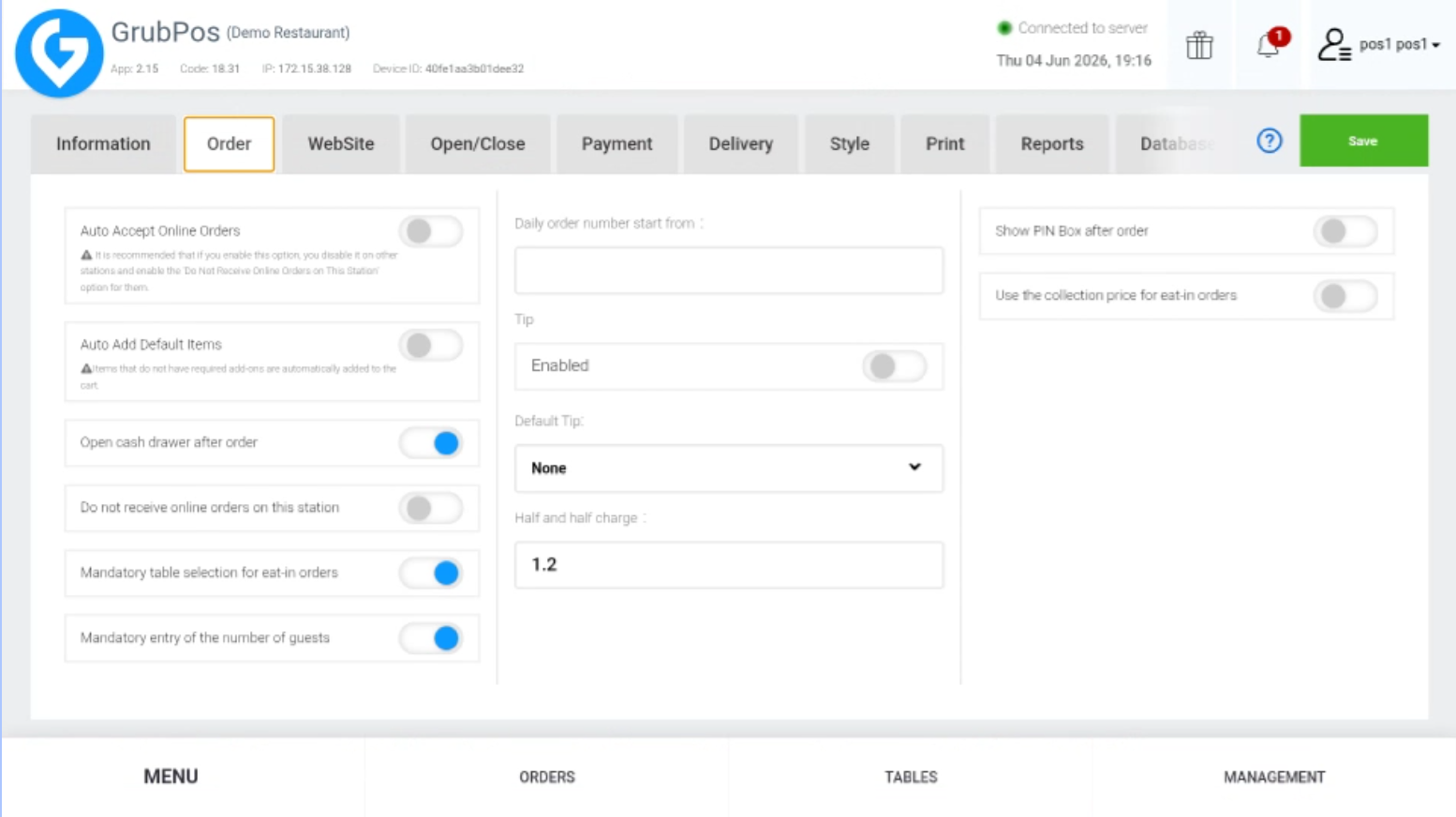
- Click Save on the upper-right side of the screen
- Restart the app to apply the changes
Was this article helpful?
That’s Great!
Thank you for your feedback
Sorry! We couldn't be helpful
Thank you for your feedback
Feedback sent
We appreciate your effort and will try to fix the article